Choose the hand model
Set SteamVR Home to use five-fingered hands.
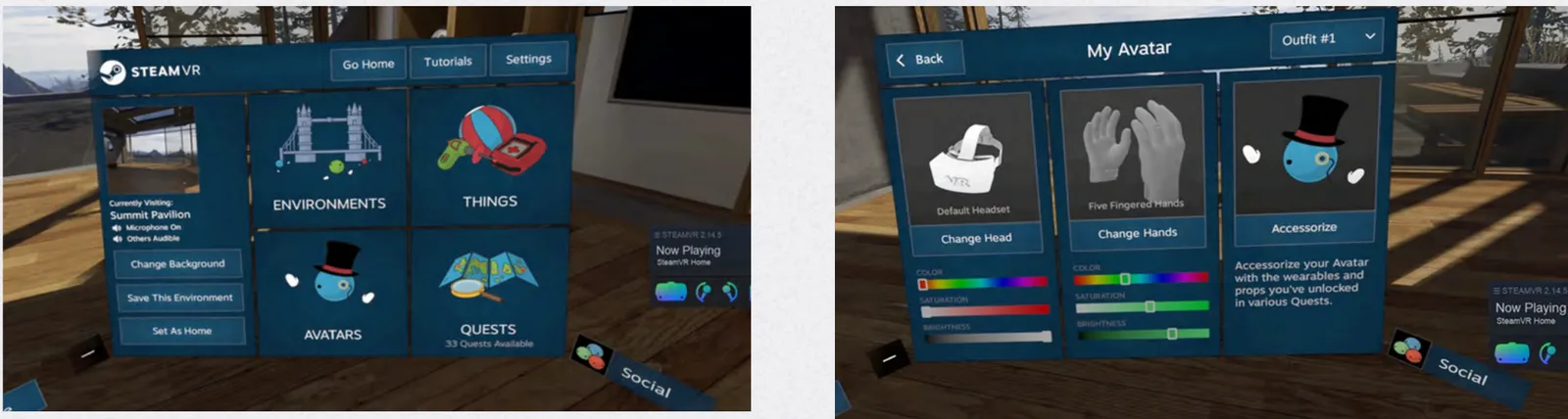
1. Open Avatars
In SteamVR Home, press the B button on your existing controller to open the menu, then select Avatars.
2. Select Five Fingered Hands
Five Fingered Hands should be selected. If it isn't, select Change Hands and choose Five Fingered Hands.
That's it!
You're all set. Enjoy your EOZ Gloves!