Flash the tracker config
Write the EOZ Glove configuration (JSON) to each Tundra Tracker.
1. Connect the tracker
Connect the Tundra Tracker to your PC with a USB-C data cable.
WARNING
Use the Tundra Tracker's USB-C port — not the glove's USB-C port.
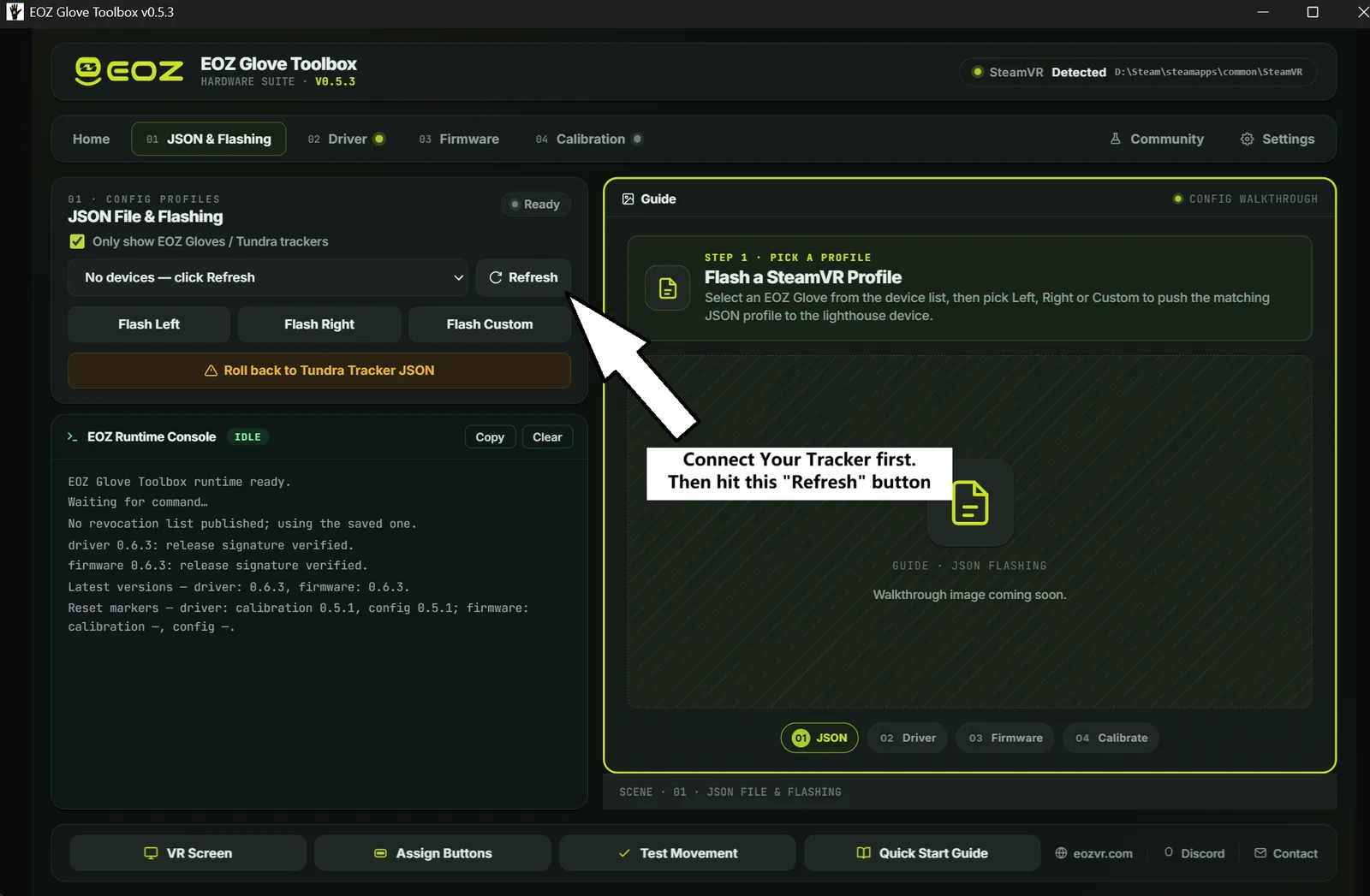
2. Click Refresh
In the Toolbox, click Refresh.
3. Wait for the tracker to appear
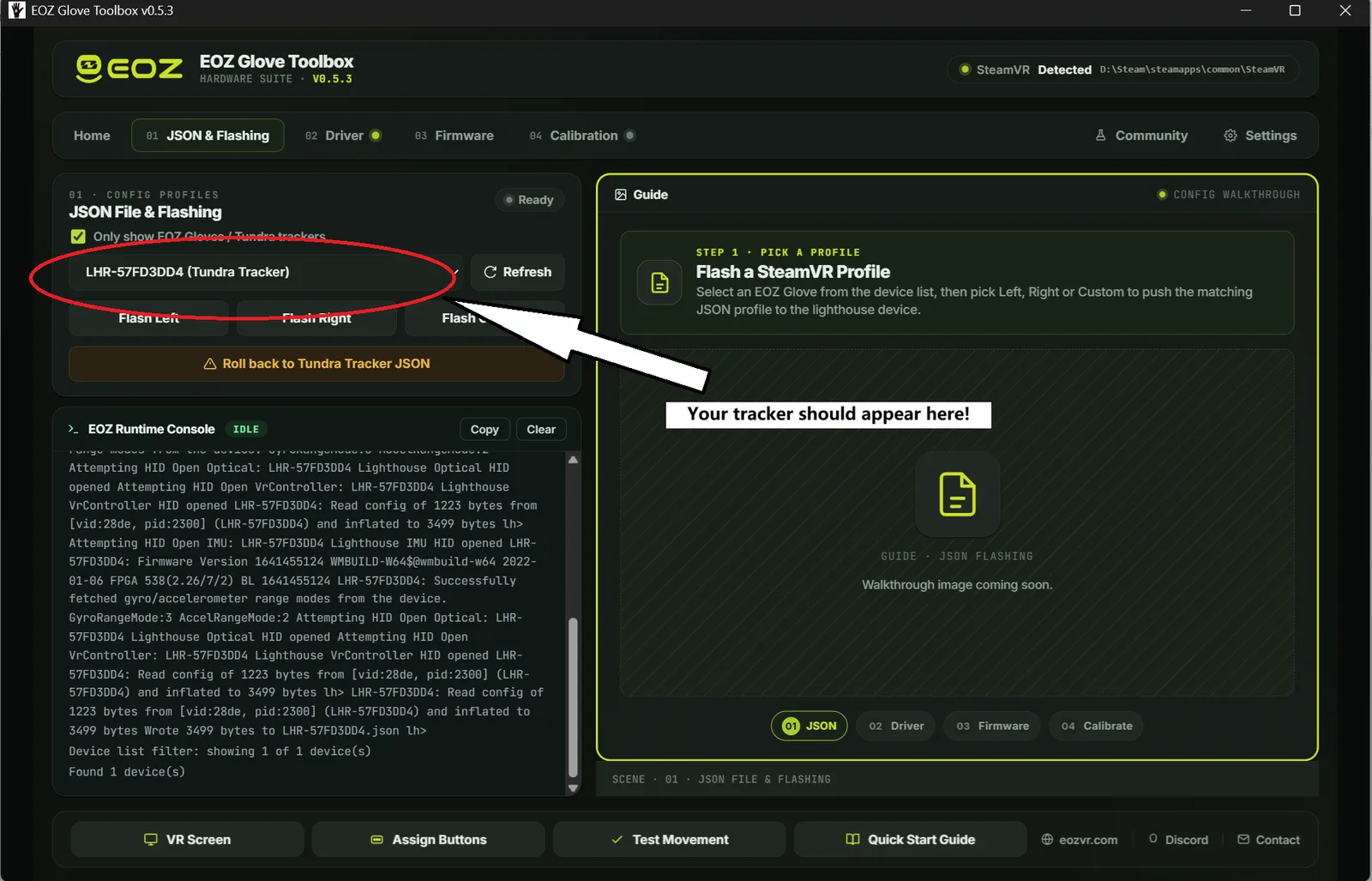
4. Flash the glove config
Click Flash left glove or Flash right glove. Flashing takes only 1–2 seconds.
5. Confirm and repeat
When you see Flash Complete, it's done. Flash the other tracker for the other hand.